
Show one useful moment
A sample store view makes a stock or sales decision tangible. Example data is illustrative, never presented as a customer's results.
From an AI promise to an everyday shop decision. A new public face for an existing retail application.
View the source site ↗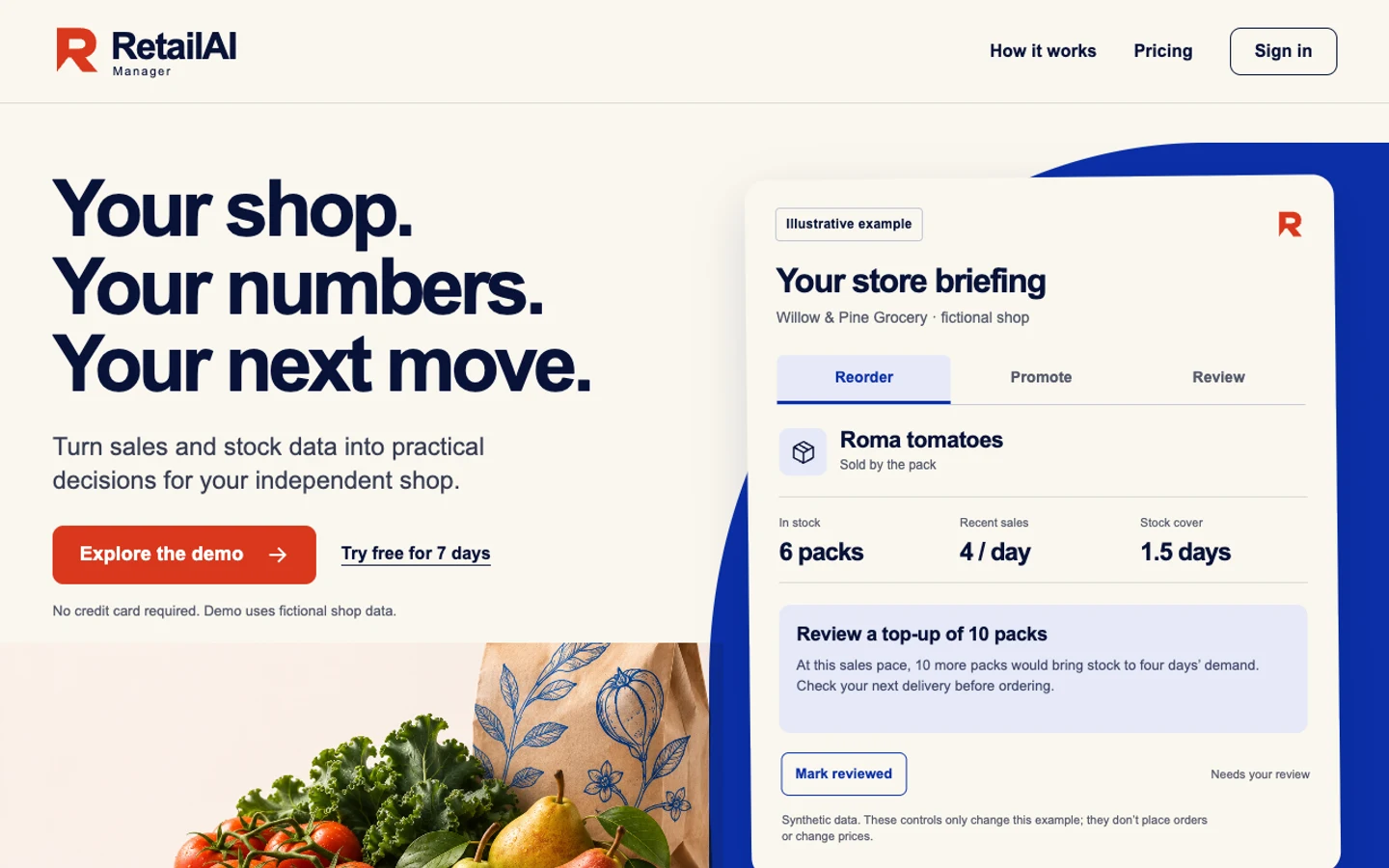
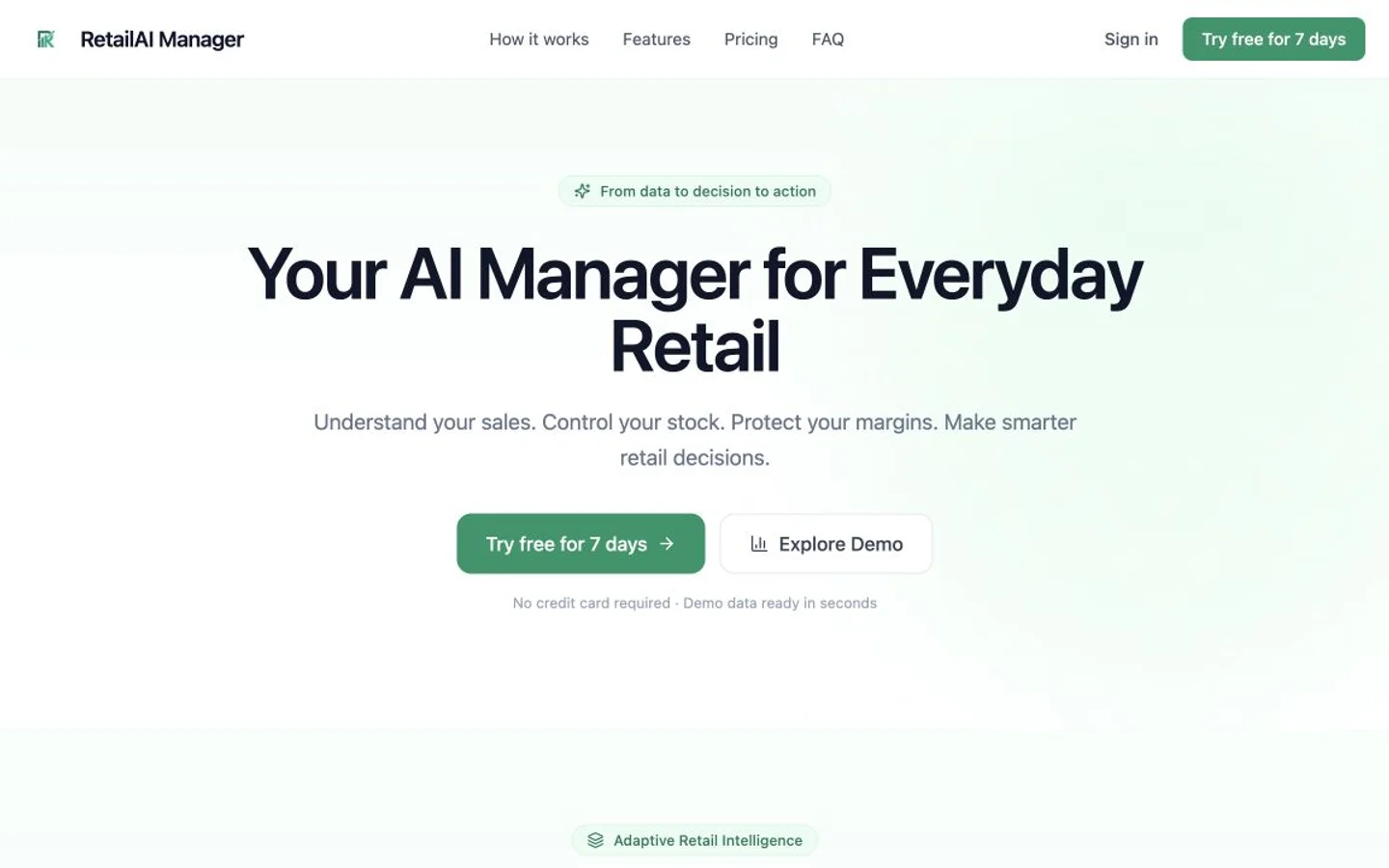
Drag the handle to compare. Arrow keys work too.
Independent design studies using public sites. Proposed work, shown as examples.
The starting site introduces an AI management tool. Its product story has to explain what a retailer will actually do with it.
A vivid store briefing, a clear next action and a warmer, more recognizable identity. The application stays where it is.
Each change should address a specific gap in the story, experience or next step. Here are the decisions behind this rebuild.
A sample store view makes a stock or sales decision tangible. Example data is illustrative, never presented as a customer's results.
Explain the CSV setup and what the first briefing contains before asking for a signup.
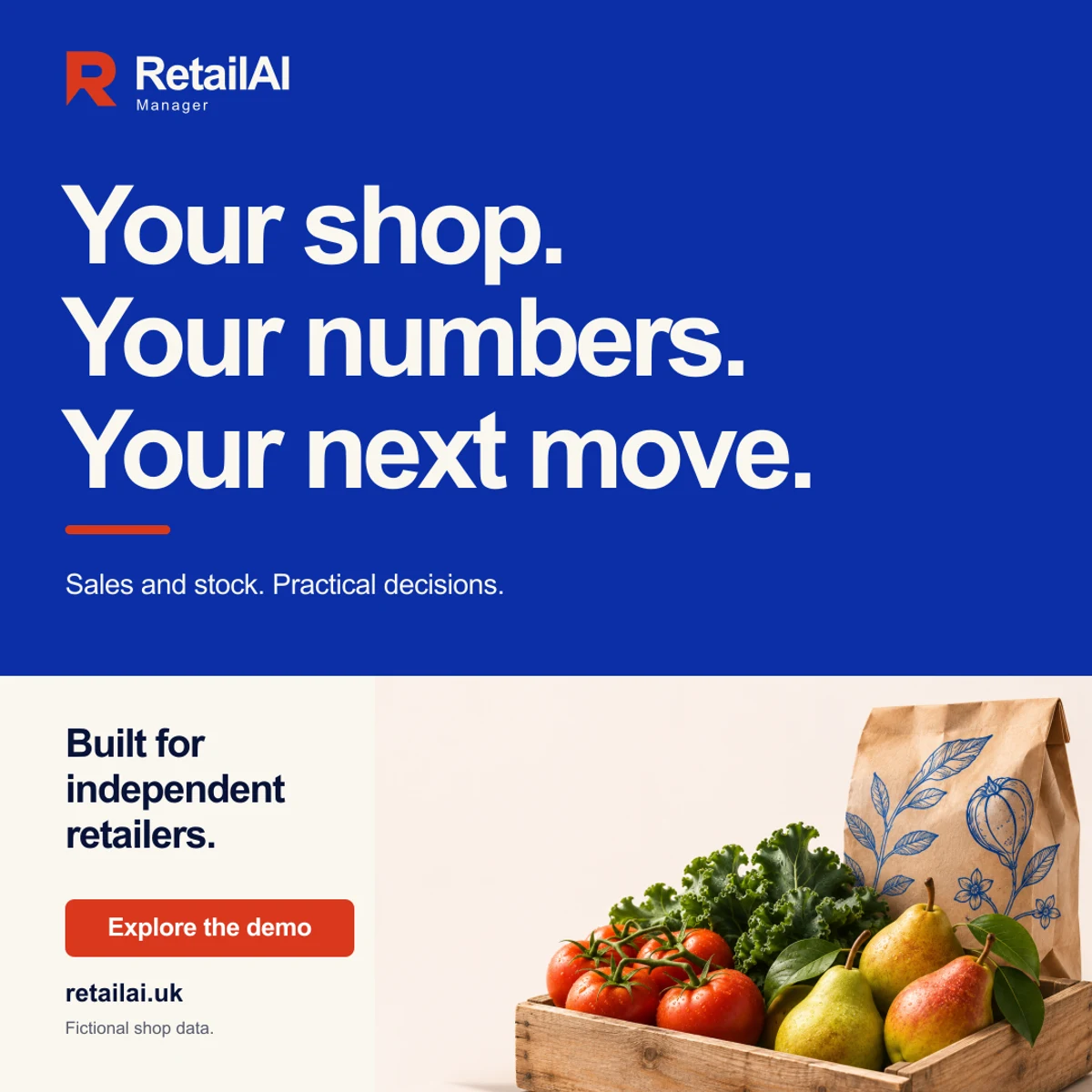
Carry the strong blue, warm paper and direct product language into social artwork and the first welcome email.
These are proposed questions and working assumptions for this design study, not answers supplied by the owner.
No approved product recording supplied for this concept.
Use an explicitly illustrative product view; request real screens before launch.
Explore a retailer's first useful briefing.
Give the page a concrete store situation instead of a general list of AI features.
The current app, login and published trial.
Rebuild the public website around existing destinations; don't move customer data.
A clearer website is one part of the work. The identity, social artwork, email and launch plan should tell the same story and support the same next step.
RetailAI Manager
A shared palette, type system and voice.
Your first store briefing starts here
Start with the stock and sales information you already have. Your first step is to explore how a store briefing could fit your day.
Explore RetailAI ↗An original visual in the same palette, ready to explore across social posts, email and the site.
Open the artwork ↗AI-generated illustrative scene, not a customer photograph.
Design exploration. Website and social artwork are concept assets; email and identity layouts above illustrate the proposed package. Nothing has been sent.
A responsive public site with a focused message, useful pages and a clear next step.
Logo direction, colors, typography and a practical brand guide.
Matching social sizes, welcome email, signature, search basics and an outreach plan.
Keep the site with managed hosting. Domain, inbox, forms and measurement are agreed and connected separately before launch.
Preserve: Existing app, customer data, login, signup and confirmed pricing.
Confirm with the owner: Approved product screens, first-use setup, trial destination and the owner's preferred primary action.
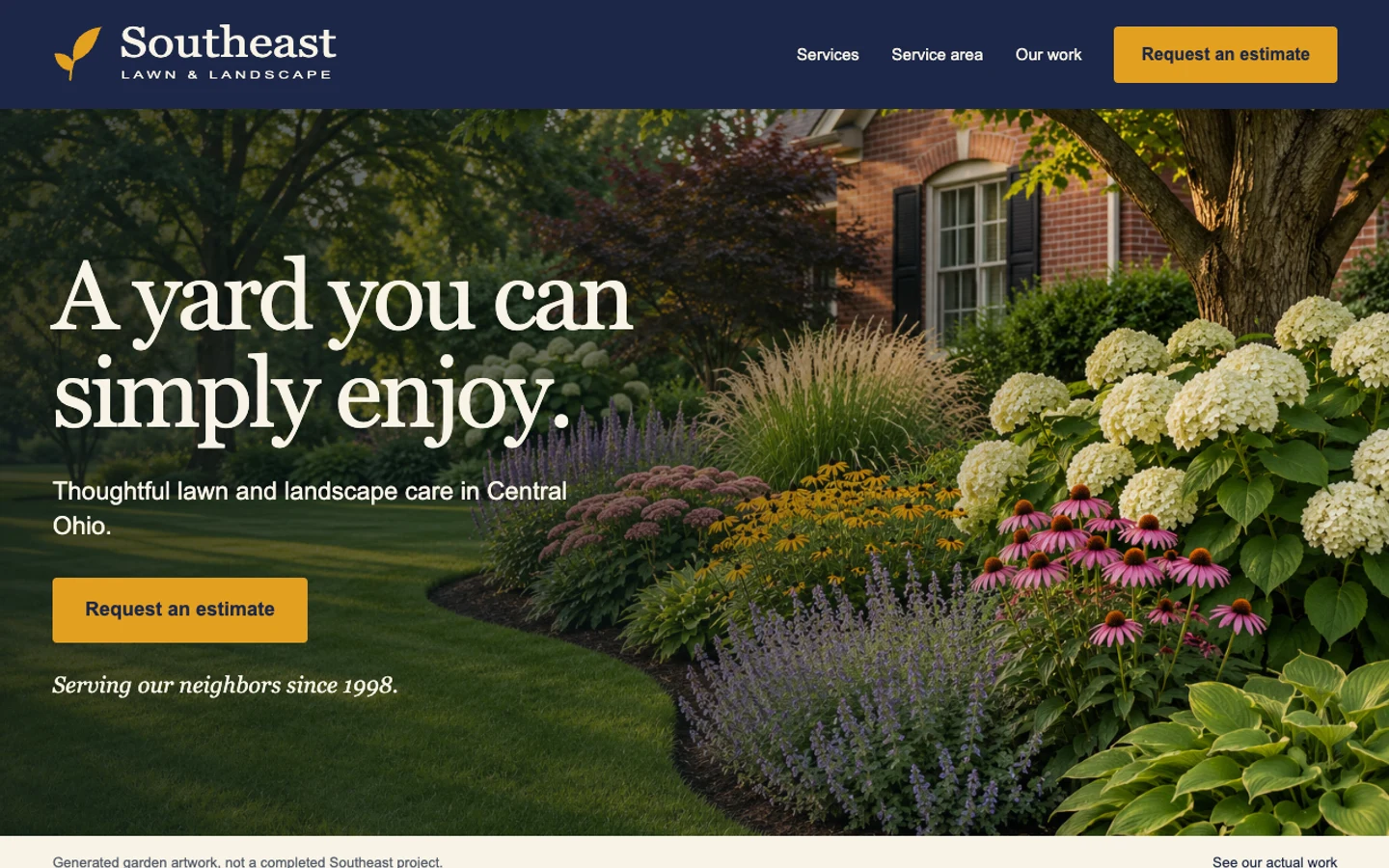
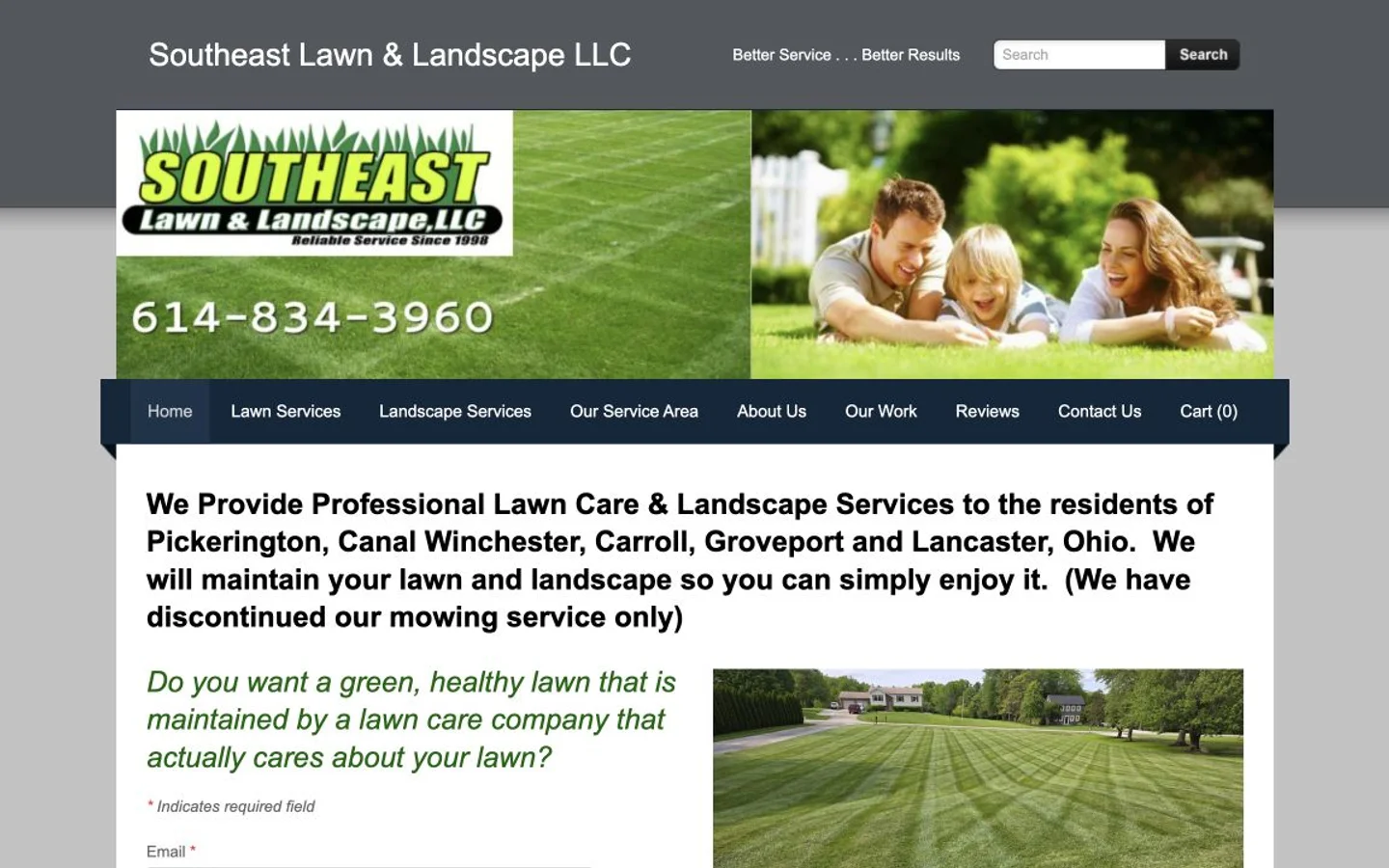
An established local business, brought into focus through services, place and one clear estimate path.
See the before & after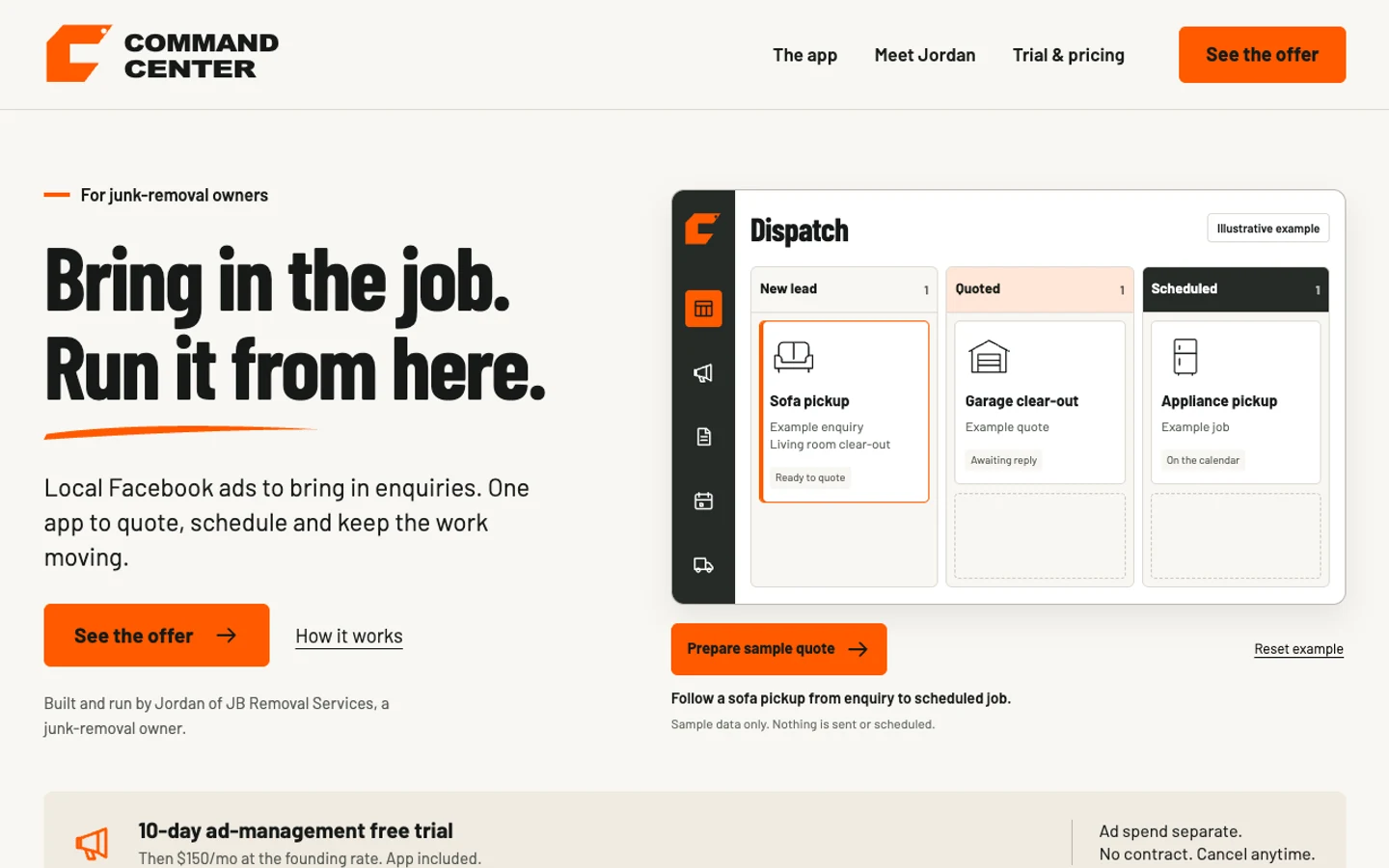
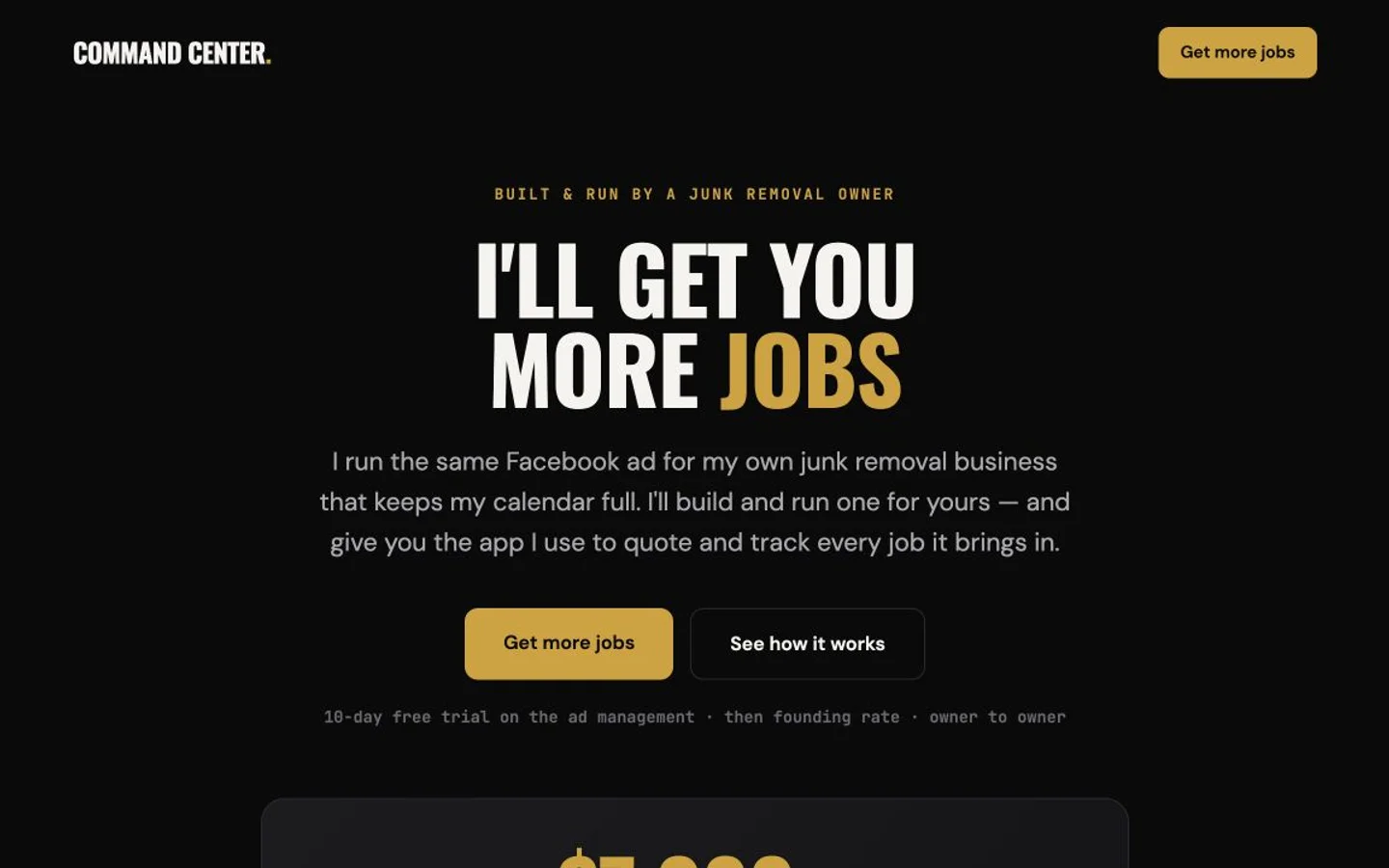
Managed Facebook ads and a job-management app, organized into one coherent story for junk-removal owners.
See the before & afterStart with your URL. We turn the assessment and a few answers into one focused website and launch kit.
Analyze my siteReview the scope before launch or billing.